Tutorial · Step 1 of 6
Getting Started with Parapheonix
Parapheonix is a free, browser-based suite of video and audio tools. No installs, no watermarks. This tutorial walks you through everything from creating an account to exporting your first edit.
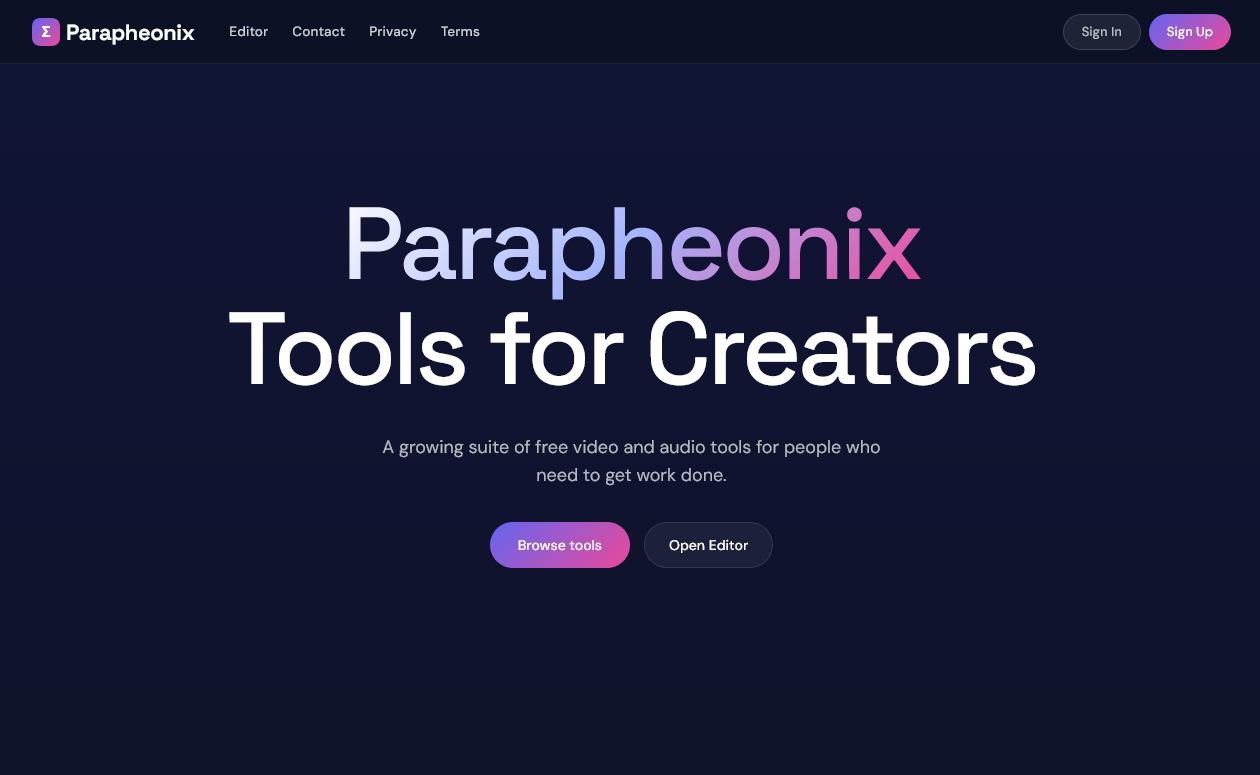
The Parapheonix homepage at parapheonix.com
What you can do with Parapheonix
Parapheonix gives you a full non-linear video editor alongside standalone tools for common tasks — all running in your browser. Every tool is free to use with no watermarks on exports.
Creating your account
You can use the editor and most tools without an account, but signing up unlocks project saving and a higher daily export limit. Registration takes under a minute.
1
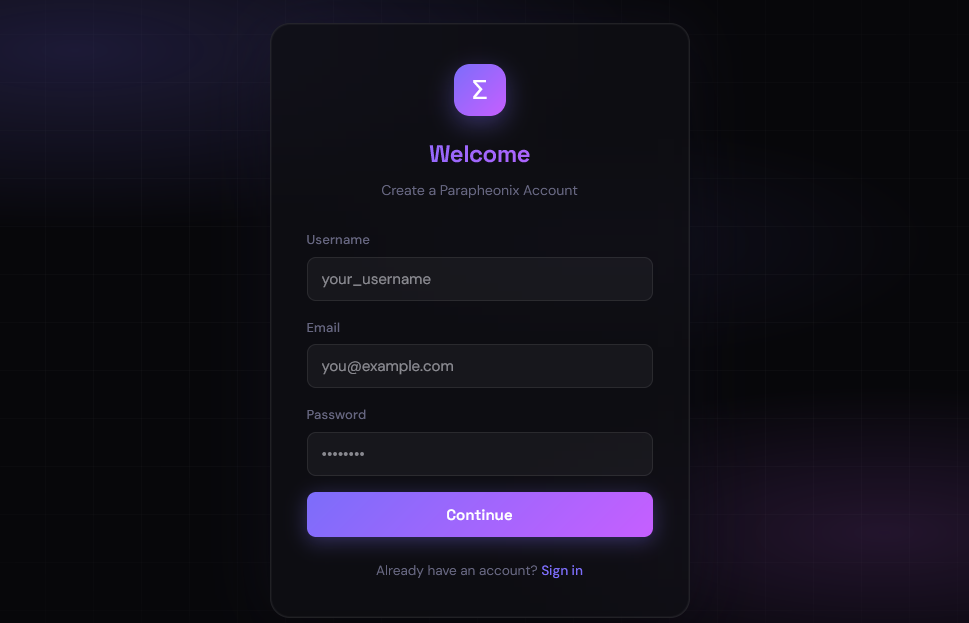
Go to the Sign Up page
Click Sign Up in the top-right corner of any page, or navigate directly to /register.
2
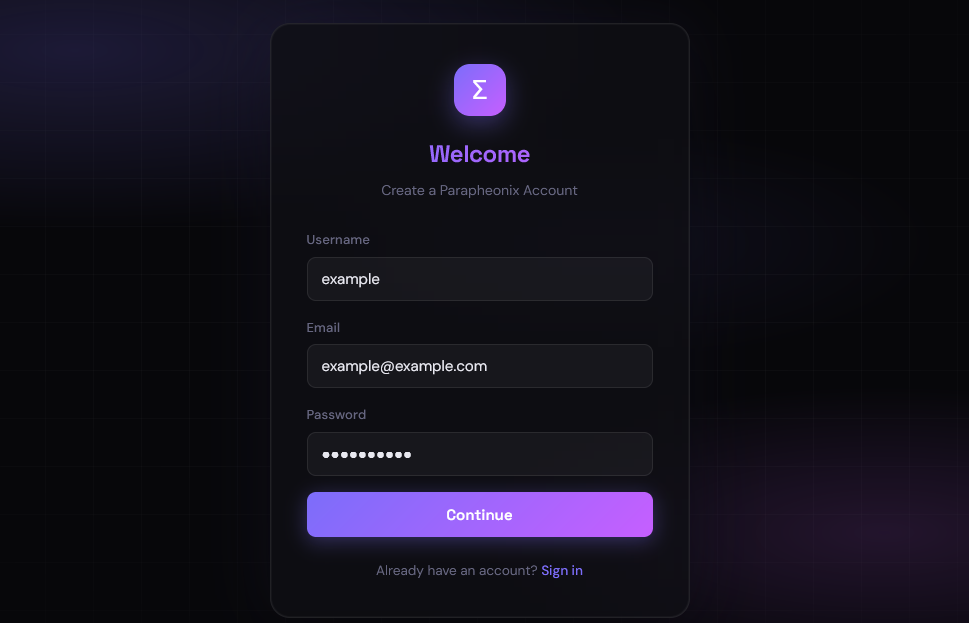
Fill in your details
Enter your email address and a password of at least 8 characters.
3
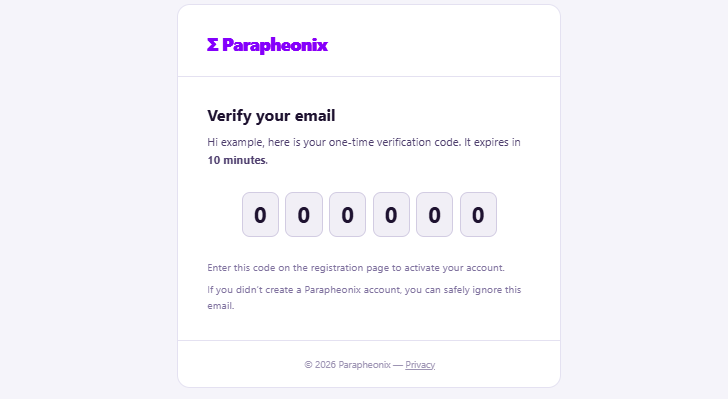
Verify your email
A 6-digit code is sent to your email. Enter it on the verification screen. The code expires in 10 minutes.
4
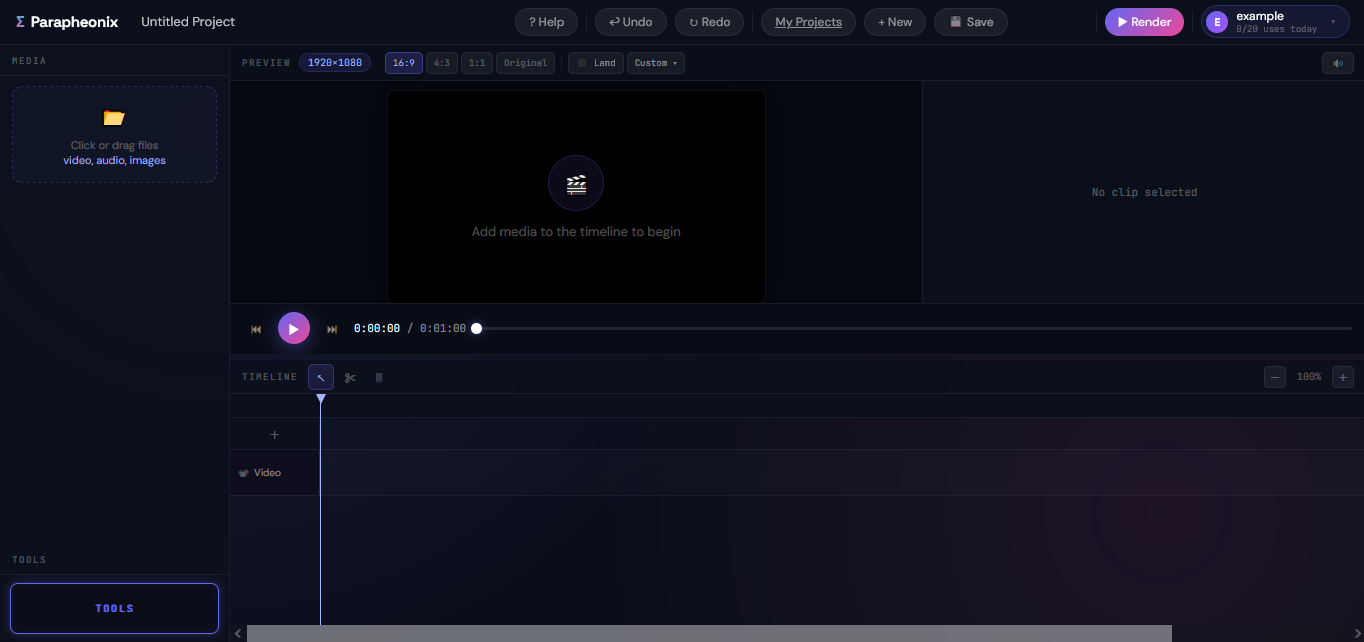
You're in
After verification you are automatically signed in and redirected to the editor. Your session lasts 30 days.
💡
No account needed for basic use. The editor and all tools work without signing in, but you are limited to 2 exports per day as a guest and projects are not saved to your account.
Supported file formats
Parapheonix accepts the most widely used video, audio, and image formats. The editor and all standalone tools share the same format support.
🎬
Video
MP4 MOV MKV WebM AVI. Maximum file size: 100 MB per file. For larger files, trim or re-export them at a lower resolution on your device first, then import.
🎵
Audio
MP3 WAV AAC FLAC OGG. Audio files can be added to a dedicated audio track in the timeline or processed through the standalone audio tools.
🖼
Images
PNG JPG. Still images can be placed on the timeline as overlay clips and held for any duration. PNG files with transparency are fully supported.
Guest vs registered account
You can use Parapheonix without signing up, but a registered account unlocks project saving and a higher daily export allowance.
👤
Guest (no account)
Full access to the editor and all tools. Up to 2 exports per day. Projects are saved only in your current browser — clearing browser data or switching devices loses your work.
✅
Registered account (free)
Everything guests can do, plus up to 10 exports per day, project saving to your account, and access to your project gallery from any device. Registration takes under a minute and requires only an email and password.
📧
Verification email not arriving? Check your spam or junk folder — automated emails from
[email protected] are occasionally filtered. The code is valid for 10 minutes. If it has expired, return to the register page and try again.